
Download
152.4 MB • EXEFast, safe & free • Resume supported
152.4 MB • EXEFast, safe & free • Resume supported
Screenshots
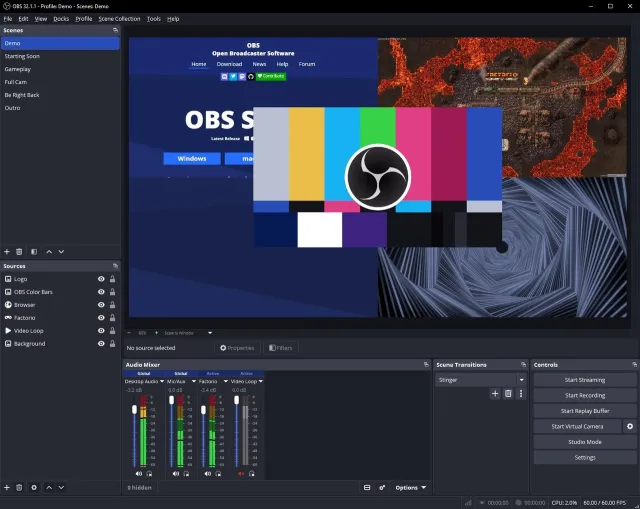
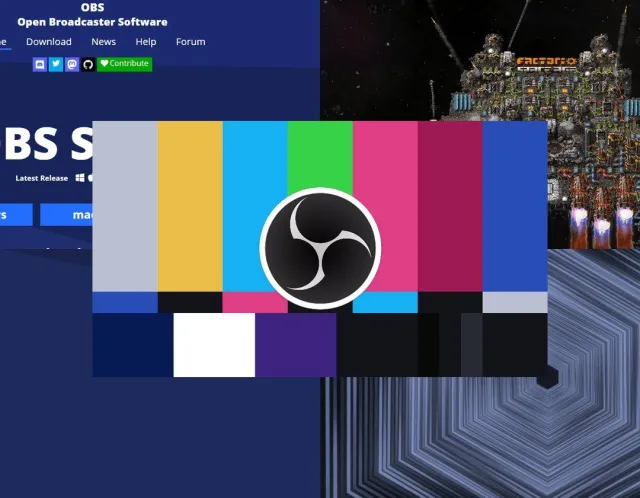

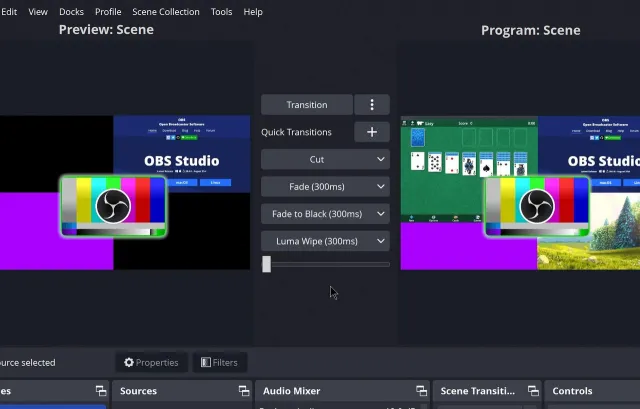
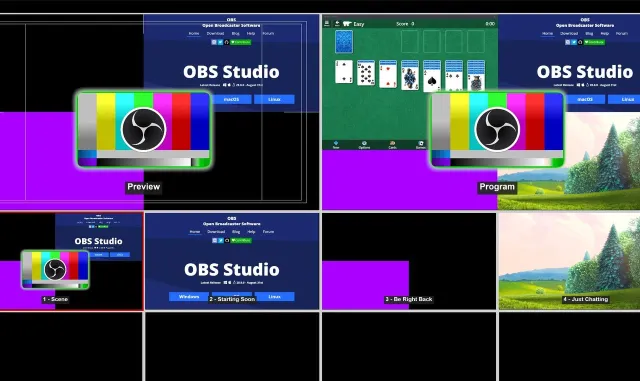
About OBS Studio
OBS Studio (Open Broadcaster Software) is free, open-source software for video recording and live streaming. It is the tool used by most YouTubers, Twitch streamers and online teachers to capture their screen, webcam and microphone in high quality.
Key Features
- Real-time capture of screen, game, window, webcam, browser and capture cards
- Unlimited scenes and sources with transitions
- Stream to YouTube, Facebook, Twitch, Kick and any RTMP server
- Record locally in MKV / MP4 / MOV at up to 4K 60fps
- Hardware encoding (NVENC, AMD, Intel QuickSync) — low CPU usage
- Audio mixer with per-source filters: noise suppression, gate, compressor
- Studio Mode for previewing scenes before going live
- Huge plugin ecosystem and multi-language support
What's New in v32.2.2
- Fixed crashes with certain capture sources
- Improved NVENC and AV1 encoding
- Stability and performance fixes
Technical Information
| License | Free |
| Operating System | Windows 10 (1909) / 11 64-bit, DirectX 11 compatible GPU |
| Size | 152.4 MB |
| Version | 32.2.2 |
| Developer | OBS Project |
| Category | Video Editors |
| Language | English, Urdu + multilingual |
| Updated | September 26, 2026 |
| Downloads | 275,002 |
| Security | Scanned — 100% Safe |
Old Versions
v32.2.2Latest152.4 MB • Sep 26, 2026
DownloadHow to Install
Download the installer (.exe) from the official link
Double-click the file and allow it when Windows asks for permission
Follow the setup wizard (Next Install)
Launch the program from the Start menu