
Download
34.2 MB • EXEFast, safe & free • Resume supported
34.2 MB • EXEFast, safe & free • Resume supported
Screenshots
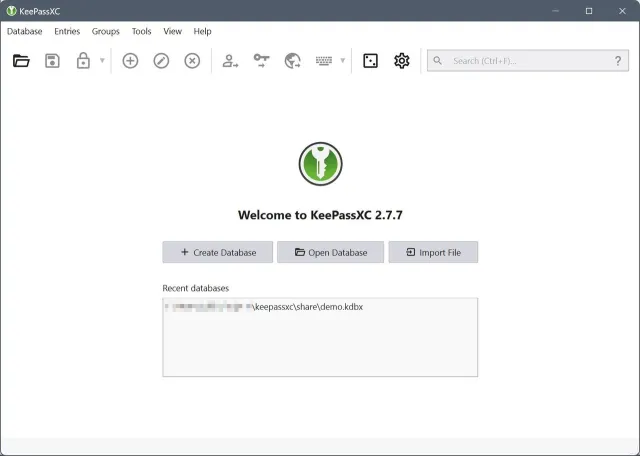

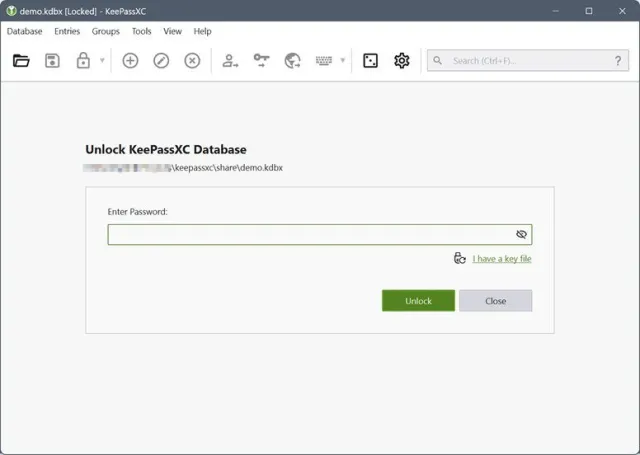
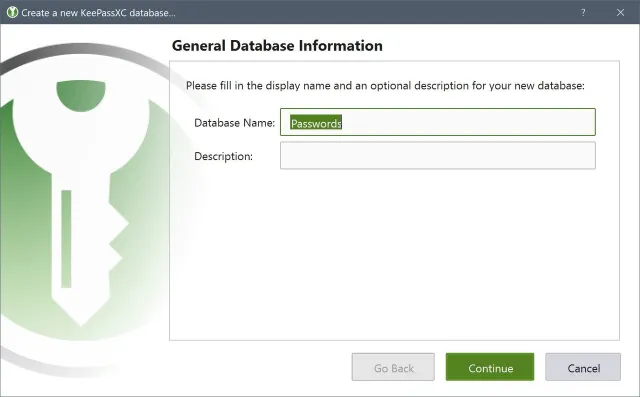
About KeePassXC
KeePassXC is a free, open-source, offline password manager. Your passwords are stored in a single encrypted database file (AES-256 / ChaCha20) that never leaves your computer unless you choose to sync it yourself — no cloud account, no subscription.
Key Features
- Strong encryption: AES-256, Twofish, ChaCha20 with Argon2 key derivation
- Browser integration for Chrome, Firefox, Edge and Brave (autofill)
- Built-in password generator and password health report
- TOTP two-factor codes, SSH agent, YubiKey / hardware key support
- Auto-Type into any window, secure clipboard clearing
- Attach files, custom fields and entry history
- Compatible with KeePass 2.x (.kdbx) databases
- Cross-platform: Windows, macOS, Linux
What's New in v2.7.12
- Security hardening and dependency updates
- Browser extension fixes
- UI improvements
Technical Information
| License | Free |
| Operating System | Windows 10 / 11 (64-bit) |
| Size | 34.2 MB |
| Version | 2.7.12 |
| Developer | KeePassXC Team |
| Category | VPN & Security |
| Language | English, Urdu + multilingual |
| Updated | September 26, 2026 |
| Downloads | 74,002 |
| Security | Scanned — 100% Safe |
Old Versions
v2.7.12Latest34.2 MB • Sep 26, 2026
DownloadHow to Install
Download the .msi installer
Double-click it and follow the wizard
Create a new database and choose a strong master password
Install the KeePassXC-Browser extension for autofill (optional)